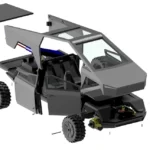


. The driveshaft is a key part of this build, don’t rush it.

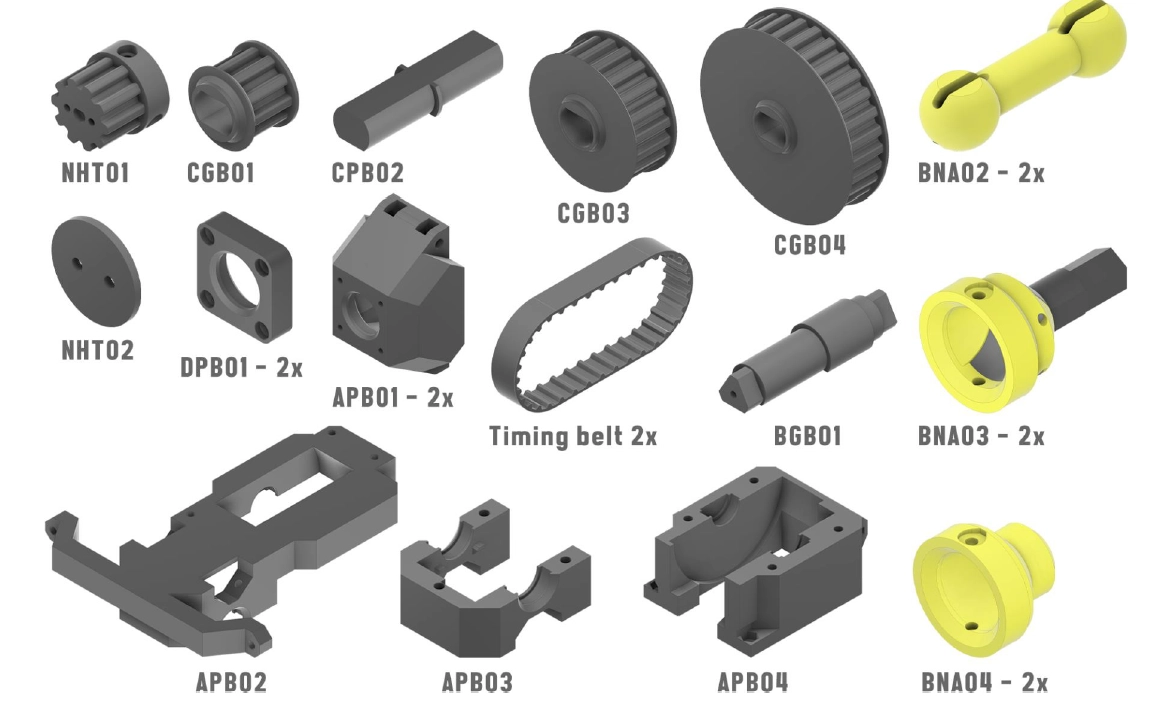
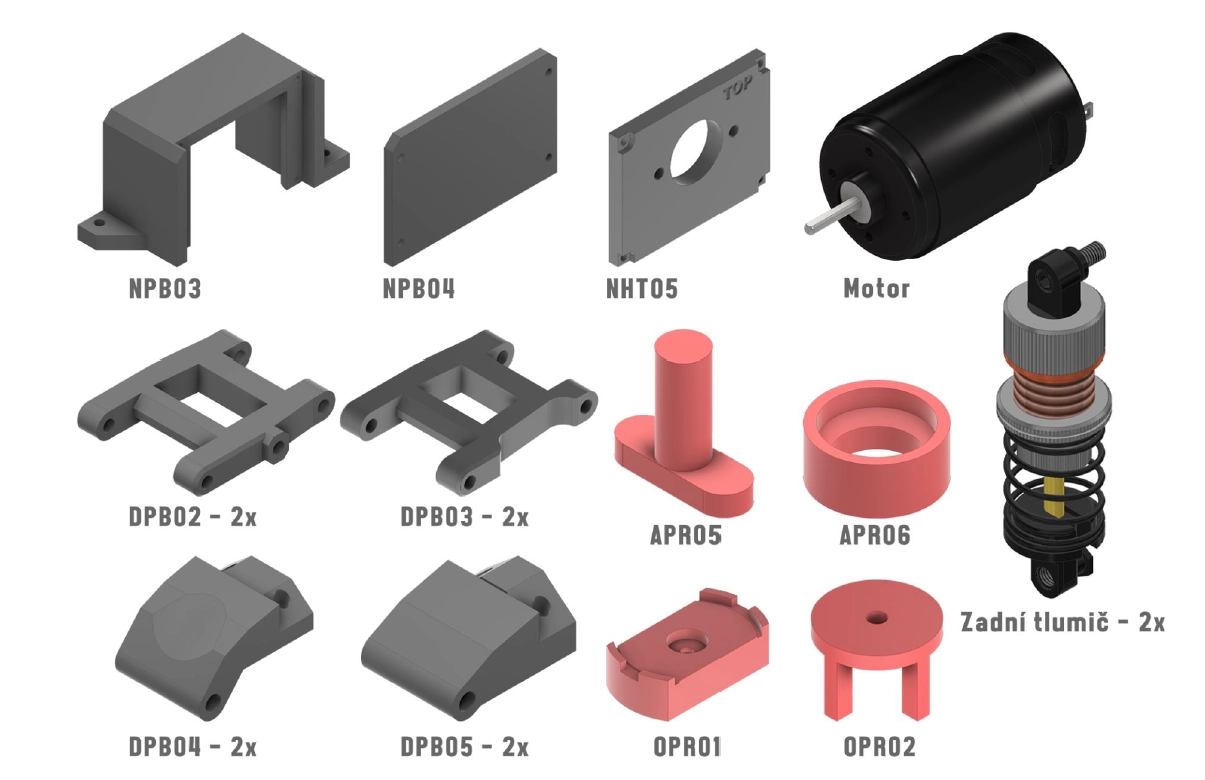
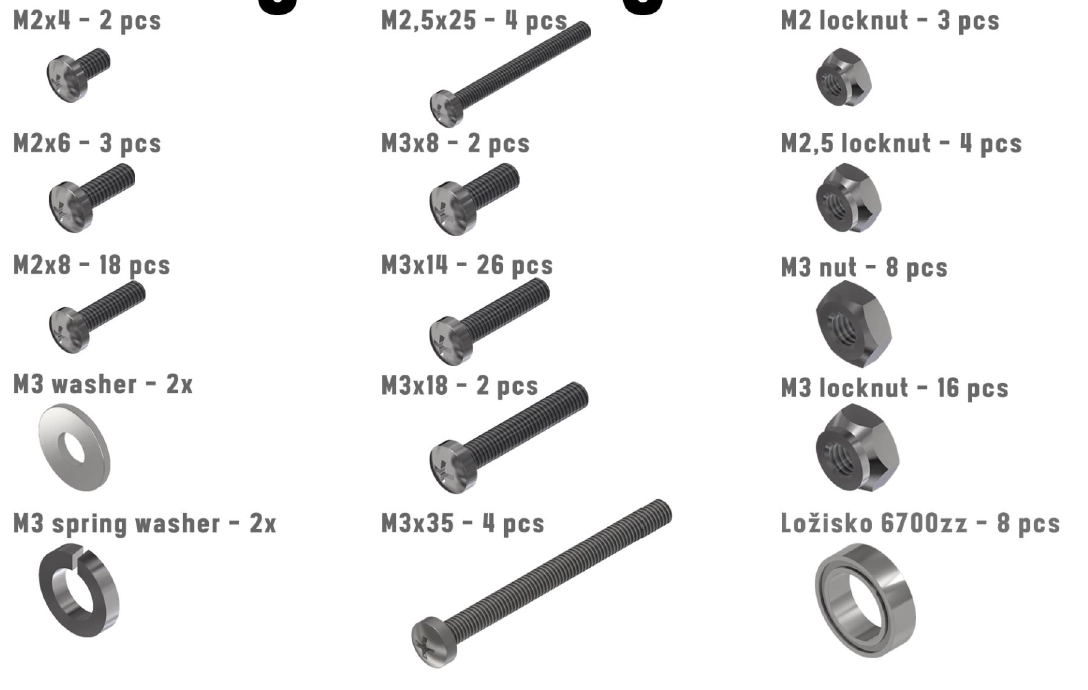
Unpacking #
With the right built-in model settings, you can achieve excellent printing results. Taking the printer out of the box and setting it up for the first time can be a key step in successfully using all the features the printer has to offer.
In this blog post, we’ll take a look at the important steps you need to follow when installing and setting up your printer so you can take full advantage of your new technology. Be prepared to learn how a printer can streamline your daily printing process and how you can optimize it for maximum performance.
In this blog post, we’ll take a look at the important steps you need to follow when installing and setting up your printer so you can take full advantage of your new technology. Be prepared for how a printer can make your daily printing process easier and how you can customize it for optimal performance.
Unpacking A #
With the right built-in model settings, you can achieve excellent printing results. Taking the printer out of the box and setting it up for the first time can be a key step in successfully using all the features the printer has to offer.
In this blog post, we’ll take a look at the important steps you need to follow when installing and setting up your printer so you can take full advantage of your new technology. Be prepared to learn how a printer can streamline your daily printing process and how you can optimize it for maximum performance.
In this blog post, we’ll take a look at the important steps you need to follow when installing and setting up your printer so you can take full advantage of your new technology. Be prepared for how a printer can make your daily printing process easier and how you can customize it for optimal performance.
Unpacking of parts Version 01 #
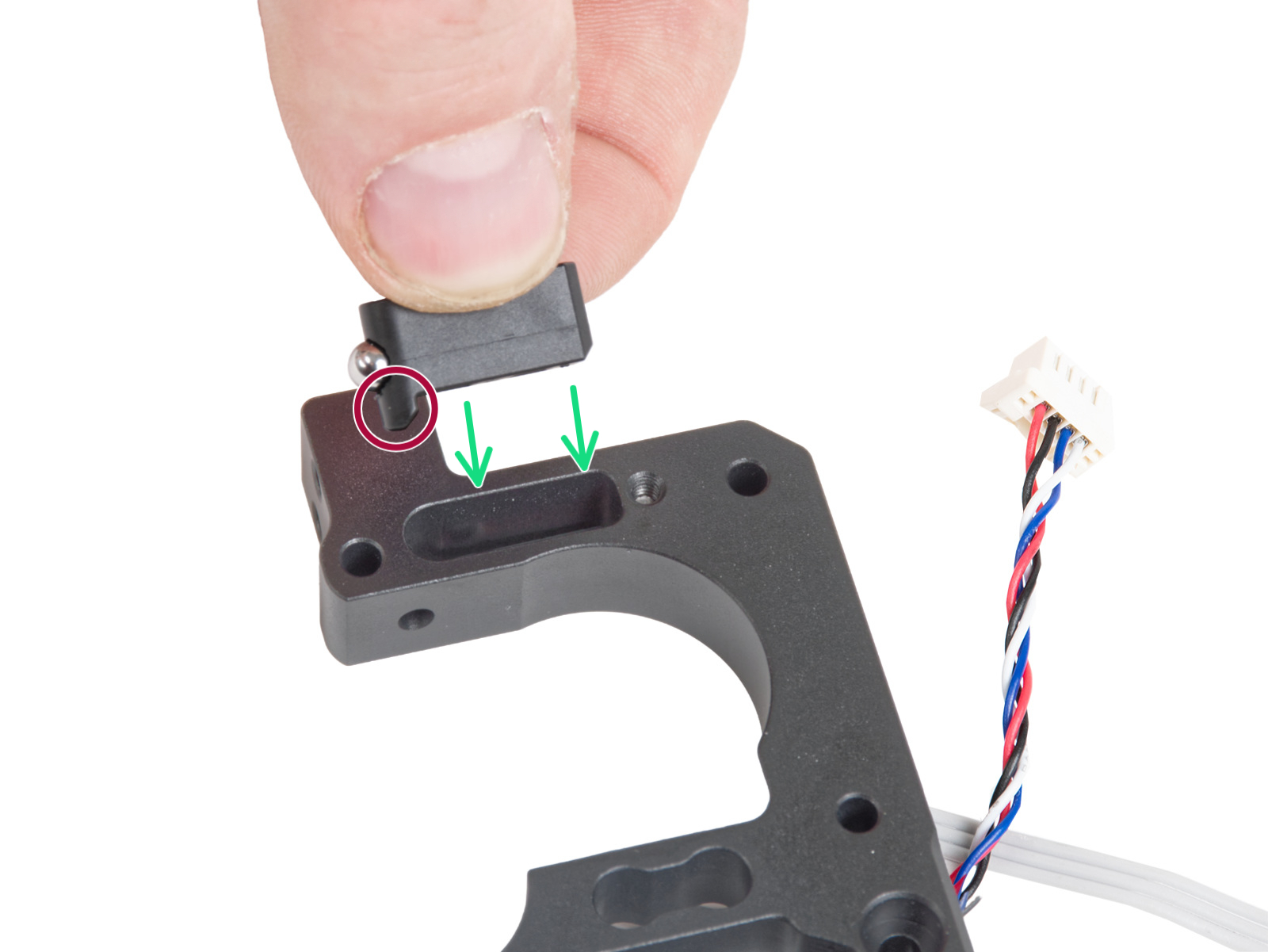
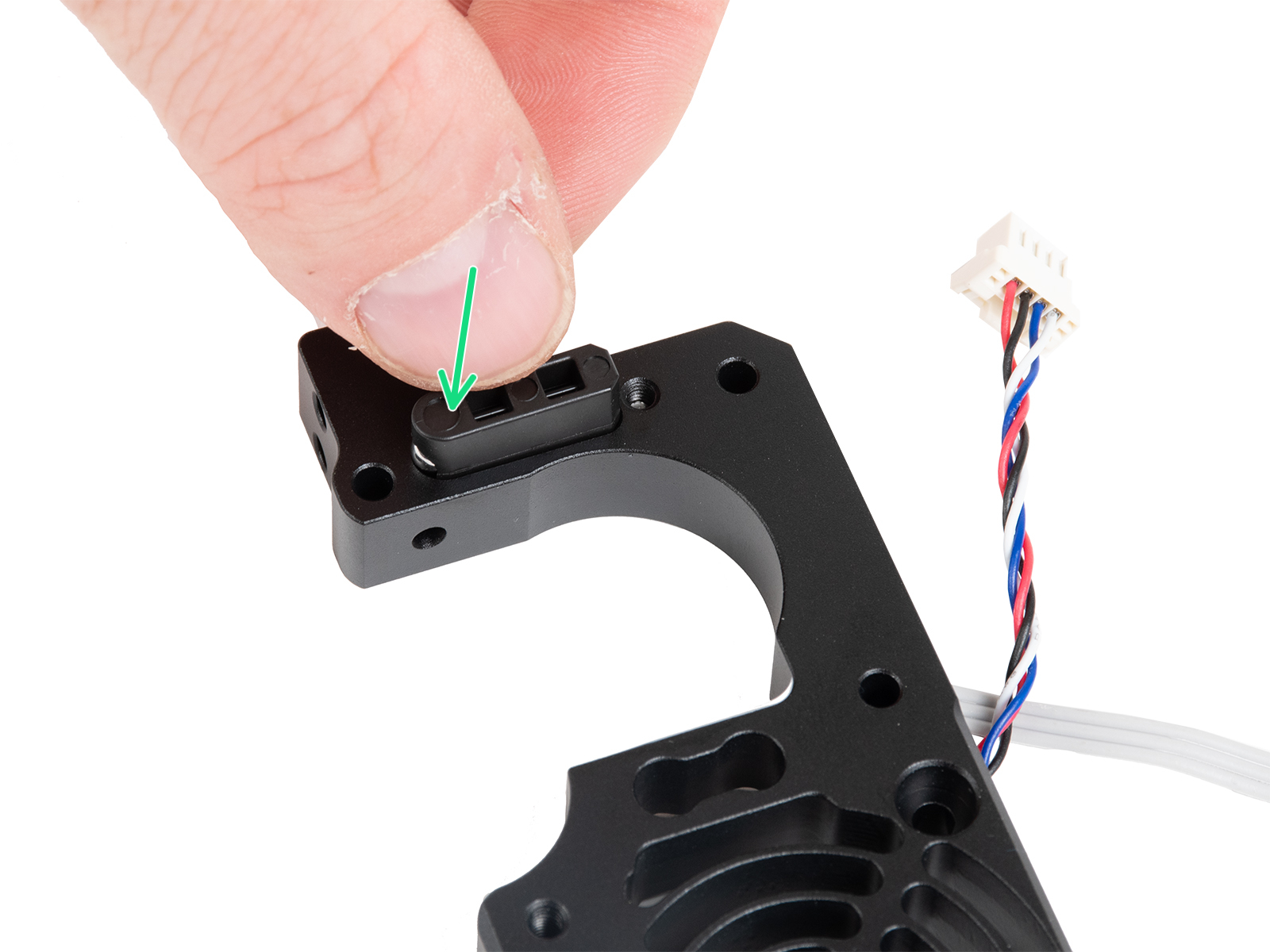
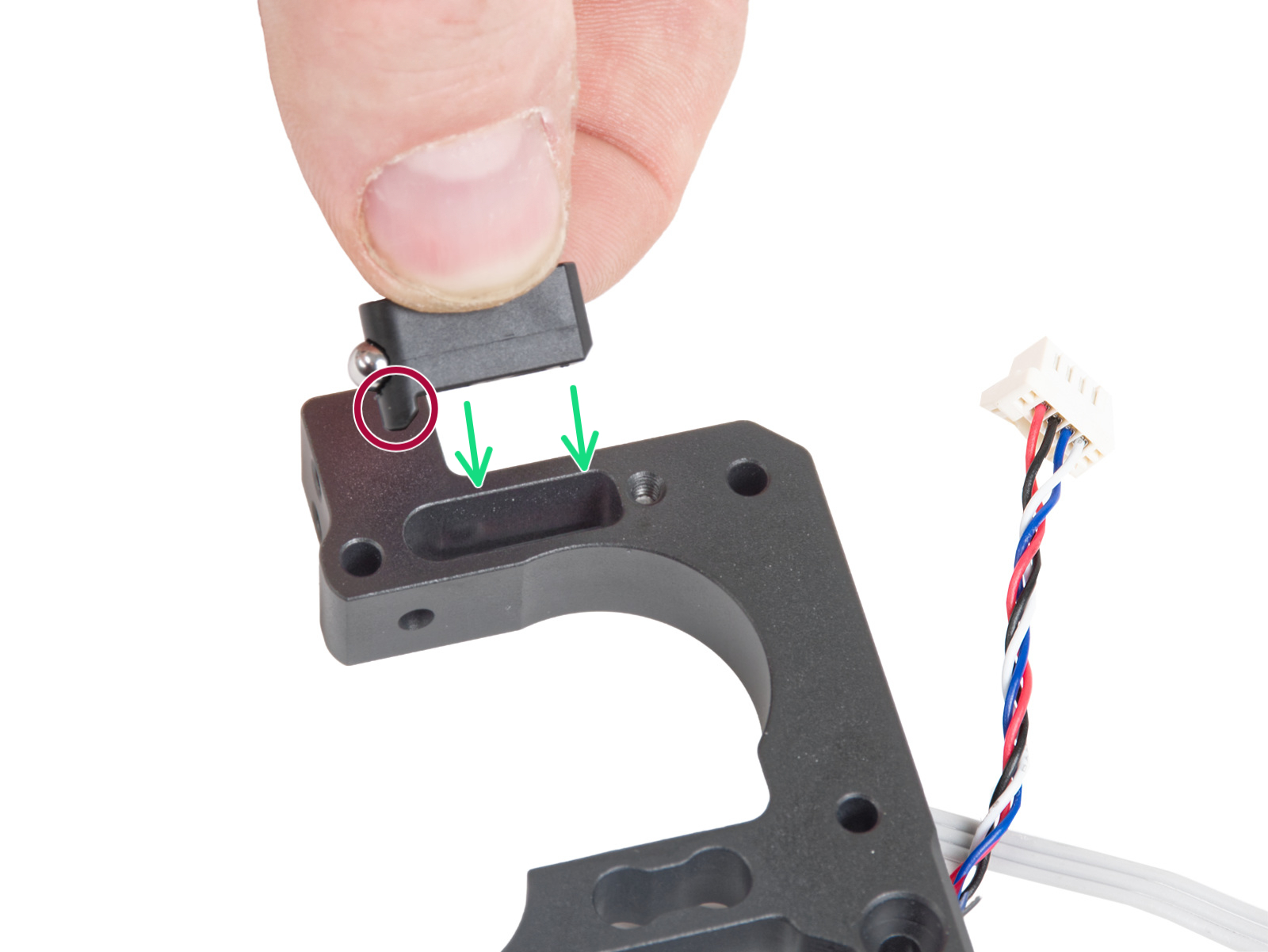
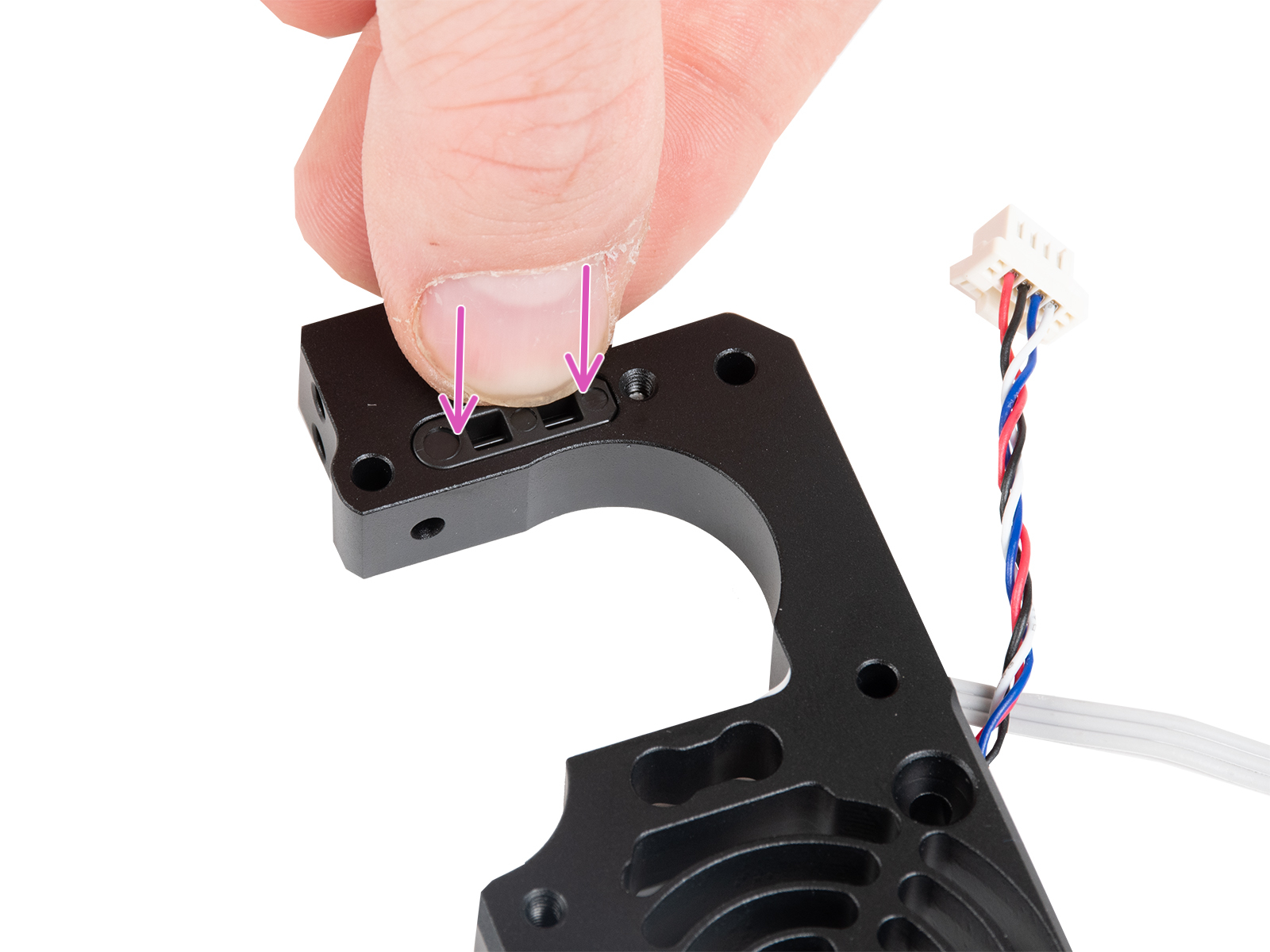
The blog post titled “Unpacking the Printer” is an important step in the process of preparing the model parts.
As the topic expands, the focus can be on the proper handling of the printer parts to ensure safety and proper operation of the entire machine.
You can also focus on the sequential assembly of parts, quality control and the importance of proper printer setup for optimal results.
Unpacking the printer can be a key moment that affects the entire subsequent process and the quality of the printed models. Be careful and diligent to ensure successful preparation of the model parts and smooth operation of the printer.
In today’s blog post, we’re going to focus on an important step – expanding the printer’s capabilities after purchase.
Thanks to the “Add on”, “Usage” and “Benefits” features, customers purchasing our printer model will gain much more flexibility and efficiency when printing.
Unpacking the printer can be a key moment for the customer to discover all the hidden potentials and possibilities the printer offers.
Follow our blog for tips on how to make the most of your printer and get the most out of every print job.
Unpacking the bonnet #
Embedding the model in the printer can be a key step in increasing the efficiency of your printing processes.
Modern printers often offer the ability to customise built-in models to meet specific user needs.
With the right built-in model settings, you can achieve excellent print results, increase print speeds and minimize errors.
Unpacking a printer with an embedded model can be an interesting and rewarding experience for many users, making their workflow easier.
Follow our blog to learn more about how to properly harness the potential of built-in models in your printer.
Unpacking the rear part #
Embedding the model in the printer can be a key step in increasing the efficiency of your printing processes.
Modern printers often offer the ability to customise built-in models to meet specific user needs.
With the right built-in model settings, you can achieve excellent print results, increase print speeds and minimize errors.
Unpacking a printer with an embedded model can be an interesting and rewarding experience for many users, making their workflow easier.
Follow our blog to learn more about how to properly harness the potential of built-in models in your printer.
Final assembly #
Embedding the model in the printer can be a key step in increasing the efficiency of your printing processes.
Modern printers often offer the ability to customise built-in models to meet specific user needs.
With the right built-in model settings, you can achieve excellent print results, increase print speeds and minimize errors.
Unpacking a printer with an embedded model can be an interesting and rewarding experience for many users, making their workflow easier.
Follow our blog to learn more about how to properly harness the potential of built-in models in your printer.


